You’re halfway through an important call, and your voice is swallowed by the background noise, whether it’s the hum of an air conditioner or the rustling of papers. It’s frustrating. You try adjusting your mic, but it’s never quite enough to clear up the muddled audio.
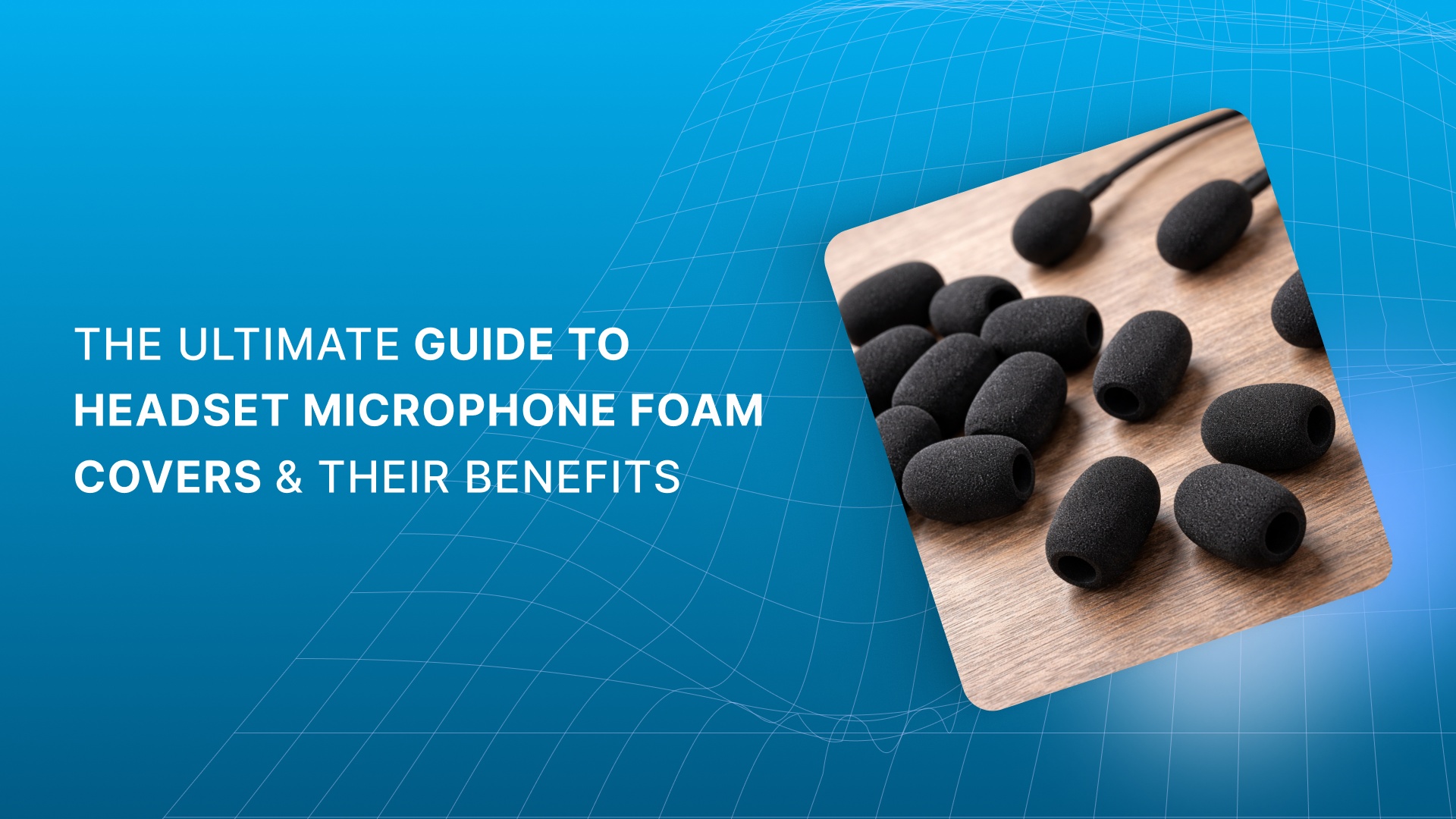
That’s where headset microphone foam covers can save the day. These simple foam covers reduce wind and fan noise by up to 10-12 dB, keeping your voice clear and your message heard without constant mute-unmute battles.
In this guide, we'll understand how these foam covers improve sound quality, protect your equipment, and help you cut down on the distractions that derail conversations. Let’s get started.
Quick Recap
Better Sound Quality: Foam covers reduce plosives and breath noises, ensuring cleaner, clearer audio. They also minimize high-frequency noise for a more natural sound.
Protection from Moisture & Dirt: Foam covers shield your mic from moisture, oils, and dust, prolonging the life of your equipment.
Wind & Noise Reduction: Perfect for outdoor or noisy environments, foam covers help cut down on wind noise and unwanted background sounds.
Choosing the Right Fit: Ensure your foam cover fits your mic model, recording space, and style for optimal sound isolation and performance.
Versatile for Professionals: Essential for podcasters, call centers, and aviation pros, foam covers provide reliable, high-quality audio protection.
What Are Microphone Foam Covers?
A microphone foam cover is a simple yet essential accessory that helps protect your microphone from environmental factors that can affect your sound quality. These factors, such as dust, moisture, and saliva, can interfere with your mic’s performance. Using a foam cover ensures your microphone stays in top condition for longer, allowing it to deliver cleaner, more reliable audio.
5 Major Benefits of Using Microphone Foam Covers
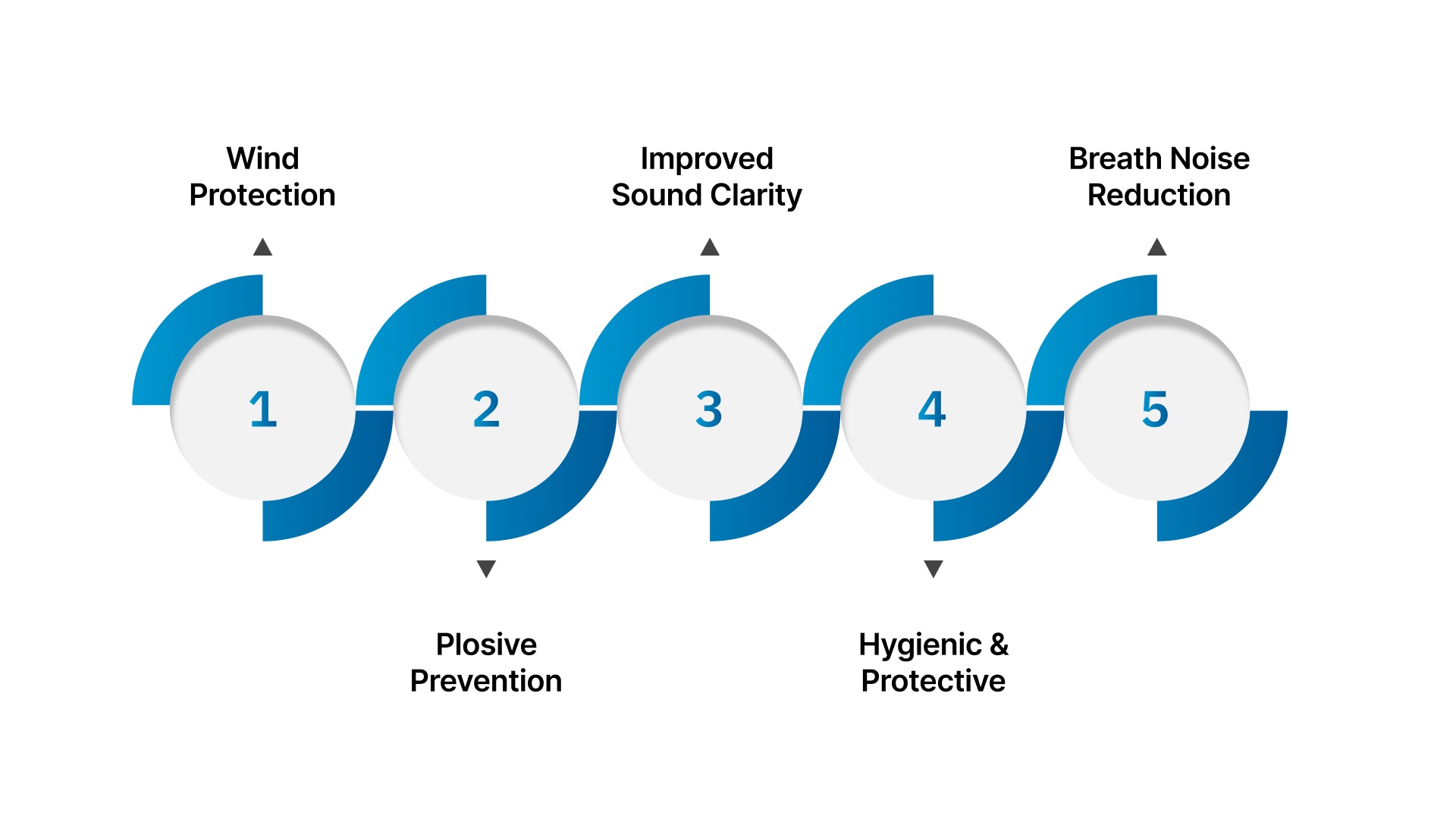
Whether you're recording a podcast, hosting virtual meetings, or conducting interviews, microphone foam covers are a valuable tool for anyone who relies on clear audio. Here’s how they help:
Wind Protection
One of the main advantages of a foam mic cover is its ability to reduce unwanted background noise, particularly wind interference. In outdoor environments or areas with airflow disruptions (like near fans or air conditioning), the foam acts as a barrier that dampens wind and eliminates rustling noises.
This ensures that only your voice is picked up clearly by the mic, resulting in a crisp and professional recording, whether you’re in the studio or outside.
Plosive Prevention
We’ve all experienced it: the sharp “popping” sound that happens when we pronounce words with "P" or "B" sounds. These are known as plosives, and they happen when bursts of air from your mouth hit the microphone.
Foam covers help reduce the impact of these air bursts, preventing the unwanted distortion caused by plosives. This keeps your audio clean, ensuring your voice sounds clear without any harsh, jarring noises.
Improved Sound Clarity
Foam covers also help reduce high-frequency noise, such as sibilance from "S" sounds and breath noises. Softening these harsh sounds, foam covers make your voice sound more natural and pleasant, giving your recordings a polished, professional quality.
Hygienic and Protective
Microphones can easily accumulate moisture, dust, oils, and germs from everyday use, which can degrade both sound quality and the longevity of your mic. Foam covers help protect the mic from these elements, keeping it clean and ensuring its durability over time.
Breath Noise Reduction
If you tend to breathe heavily while speaking, you may notice that your mic picks up these sounds, which can be distracting for your listeners. Foam covers act as a shield, reducing or eliminating these breathing sounds and ensuring your speech is the focus.
This feature is especially useful during long recordings, where breathing noise can become more prominent for your audience.
Microphone foam covers offer a simple yet effective way to enhance your recordings by reducing noise, preventing distortion, and protecting your equipment.
At Scan Sound, we know the difference the right protection can make. Our foam microphone covers are built to safeguard your mic from unwanted noise, moisture, and contaminants, while enhancing sound clarity. Talk to us about finding the perfect foam mic cover for your setup today!
Recommended Read: Benefits of Disposable Headphone & Headset Covers
With these advantages in mind, it’s also helpful to know about the 3 different types of foam and how they affect your recordings.
Exploring the 3 Different Types of Foam for Microphones
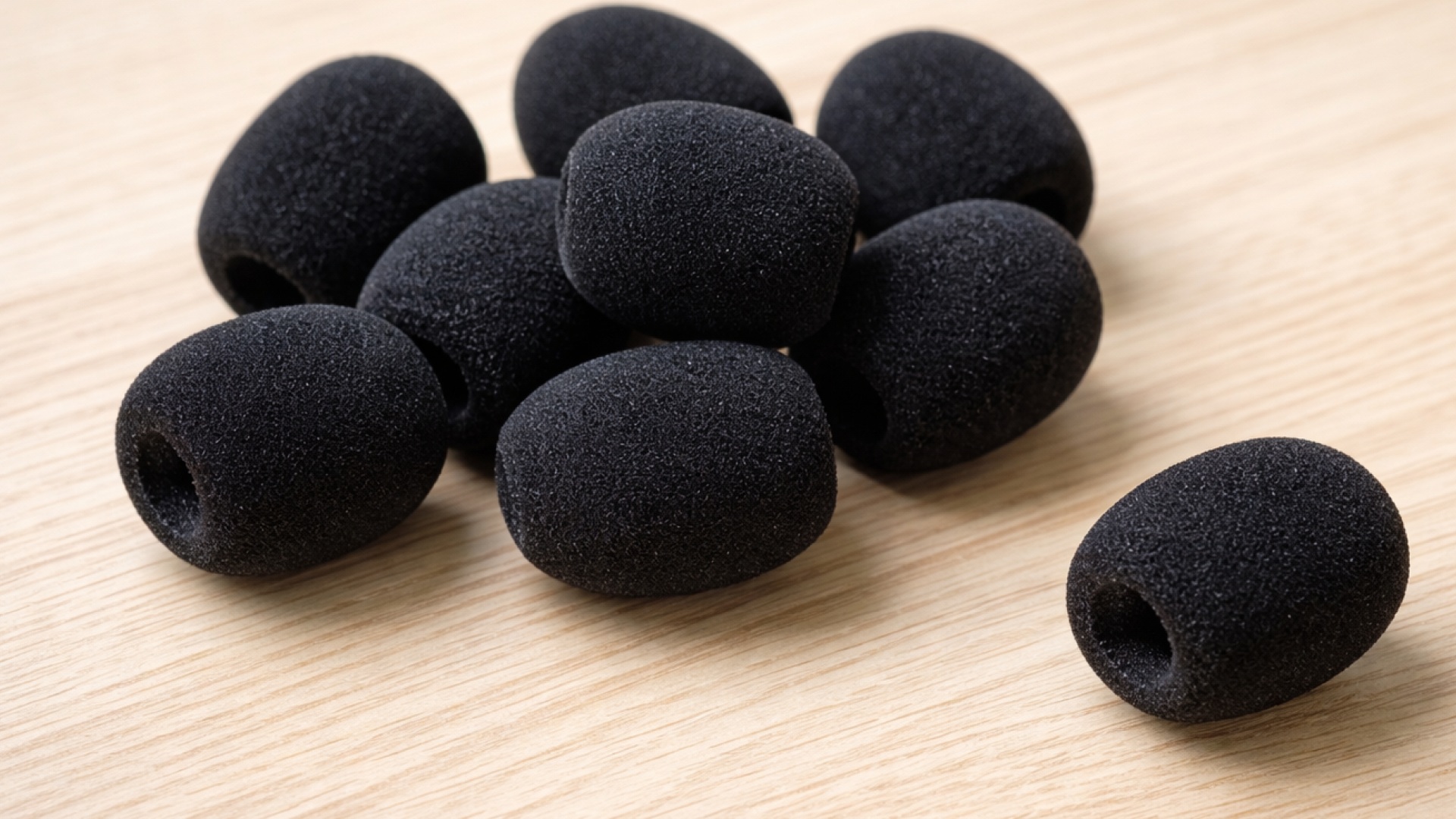
Not all foam is created equal when it comes to microphones. The right foam type depends on your specific recording needs, whether you're battling wind noise or fine-tuning your studio acoustics. Here’s a breakdown of the most common options:
Foam Type | Material | Key Benefits and Use |
Windscreens | Foam or foam-like material | - Cuts down on wind noise and plosives. - Best for outdoor environments where wind and breath interference are a concern. |
Acoustic Foam | Open-cell foam | - Minimizes room reflections and echo. - Used in studio setups to enhance sound quality by improving acoustics. |
Closed-Cell Foam | Dense foam material | - Offers superior isolation from vibrations. - Ideal for preventing mechanical noise from affecting the mic. |
Each foam type has its own unique role in enhancing your microphone setup. Choose wisely based on your environment and sound needs to get the best results.
Now that you understand the foam types, let’s move on to properly using your headset microphone foam cover for optimal results.
How to Make the Most of Your Headset Microphone Foam Cover
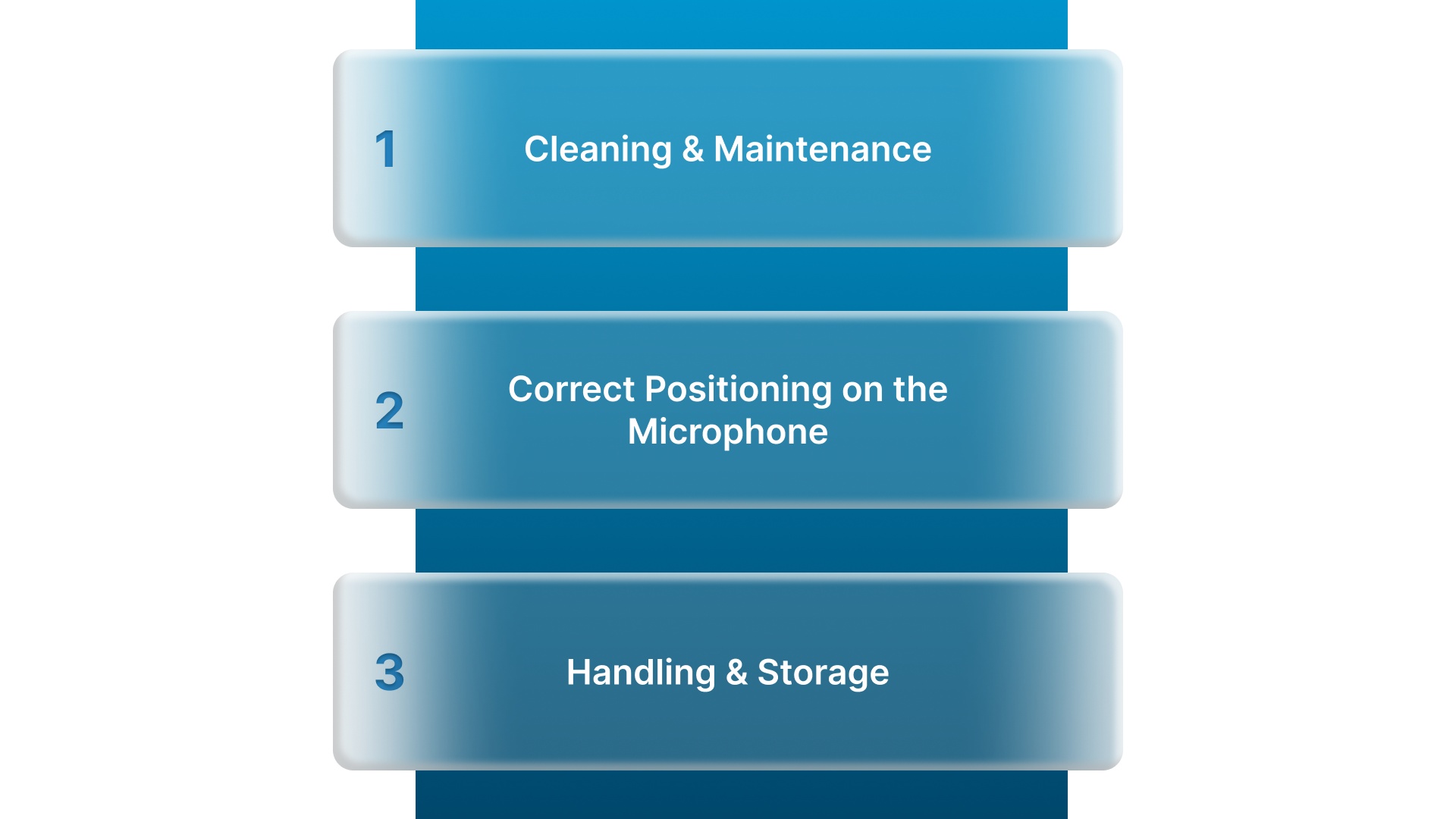
To get the most out of your microphone foam cover, it’s essential to handle it correctly. Follow these simple yet effective guidelines to maximize protection and audio quality:
1. Cleaning and Maintenance
Clean regularly: Use mild soap, warm water, or disinfectant wipes to remove dirt, oil, and bacteria that accumulate on the foam.
Dry completely: Allow the cover to air dry thoroughly before reinstalling it on your headset to avoid moisture buildup, which can degrade audio quality.
Check for wear and tear: Over time, foam covers can lose their effectiveness. Replace any cover that’s worn or damaged to maintain optimal sound clarity.
Avoid harsh chemicals: Do not use strong cleaning agents or abrasive tools, as these can break down the foam and reduce its lifespan.
2. Correct Positioning on the Microphone
Fit snugly: Ensure the foam cover fits securely over the microphone capsule, neither too tight nor too loose. A snug fit provides the best protection and noise reduction.
Proper alignment: The foam should completely cover the microphone’s grille without obstructing the sound path. It should allow sound waves to reach the mic capsule freely.
Avoid blocking ports: Ensure the foam doesn’t block the mic’s vents or other essential openings.
Check mic sensitivity: When the cover is placed correctly, it shouldn’t affect the microphone's sensitivity. Test your setup after positioning to ensure clear audio capture.
3. Handling and Storage
Store carefully: When not in use, store your foam cover in a clean, dry place to avoid dust or environmental damage.
Don’t squeeze: Avoid squeezing or compressing the foam when handling it. Compressing the foam can damage its structure and reduce its effectiveness over time.
Following these simple steps will help you preserve the quality and lifespan of your headset microphone cover, ensuring that you continue to enjoy clear, professional audio during your calls, recordings, or broadcasts.
At Scan Sound, we understand how important your audio equipment is to your work. Ensure your microphone lasts longer and performs at its best by choosing from our range of precision-fit foam covers, designed for professionals like you.
After you’ve mastered the usage, it’s time to focus on choosing the right foam cover for your specific needs.
Choosing the Right Headset Microphone Foam Cover for Your Needs
Selecting the right microphone cover for your headset is crucial for both sound quality and comfort. Here’s how to choose the perfect one based on your needs:
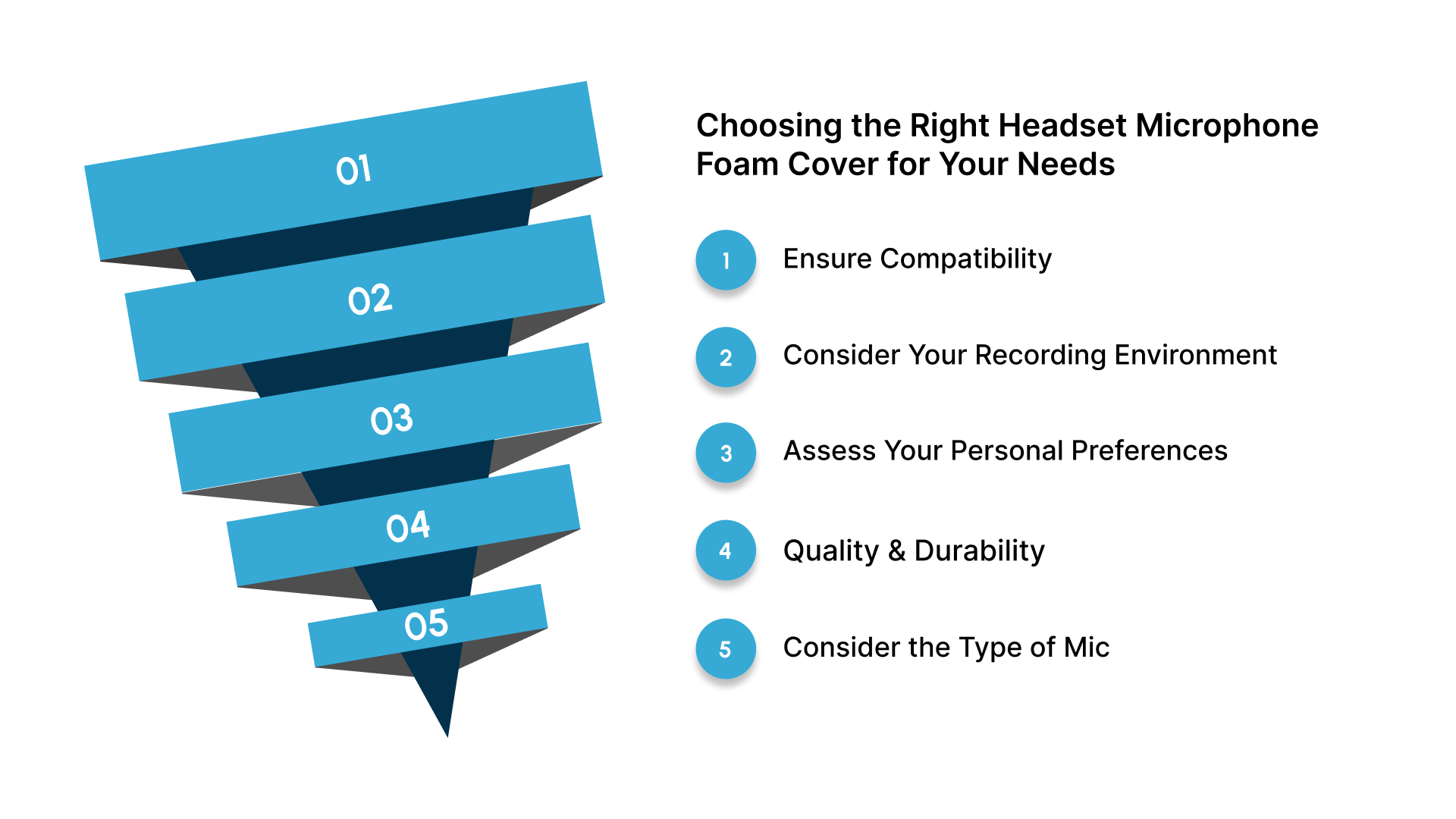
Ensure Compatibility: The cover should fit your specific microphone model. A proper fit ensures better sound isolation and protection. Always consult the manufacturer's guidelines or ask for expert recommendations.
Consider Your Recording Environment: Think about where you'll be recording.
Outdoors: Choose a cover that effectively reduces wind noise to maintain clarity.
Studio or Indoor Settings: Opt for a cover that minimizes plosives and dampens ambient noise.
Assess Your Personal Preferences: While functionality is key, you can still add a personal touch. Headset covers come in various colors and styles. Pick one that fits your aesthetic and suits your professional needs.
Quality and Durability: Invest in a durable, high-quality cover. It should be easy to clean, long-lasting, and comfortable to wear, especially during long recording sessions.
Consider the Type of Mic: Some covers are designed for specific mic types (e.g., cardioid or omnidirectional). Ensure the cover suits your mic’s pattern for optimal performance.
Carefully consider these factors to select the right headset microphone cover that balances protection, style, and function.
Also Read: Which Earpads or Cushions Will Fit on Headsets
Now that you have all the information, it’s time to put it into practice and upgrade your setup with the perfect windscreen.
Enhance Your Audio with the Right Microphone Windscreen
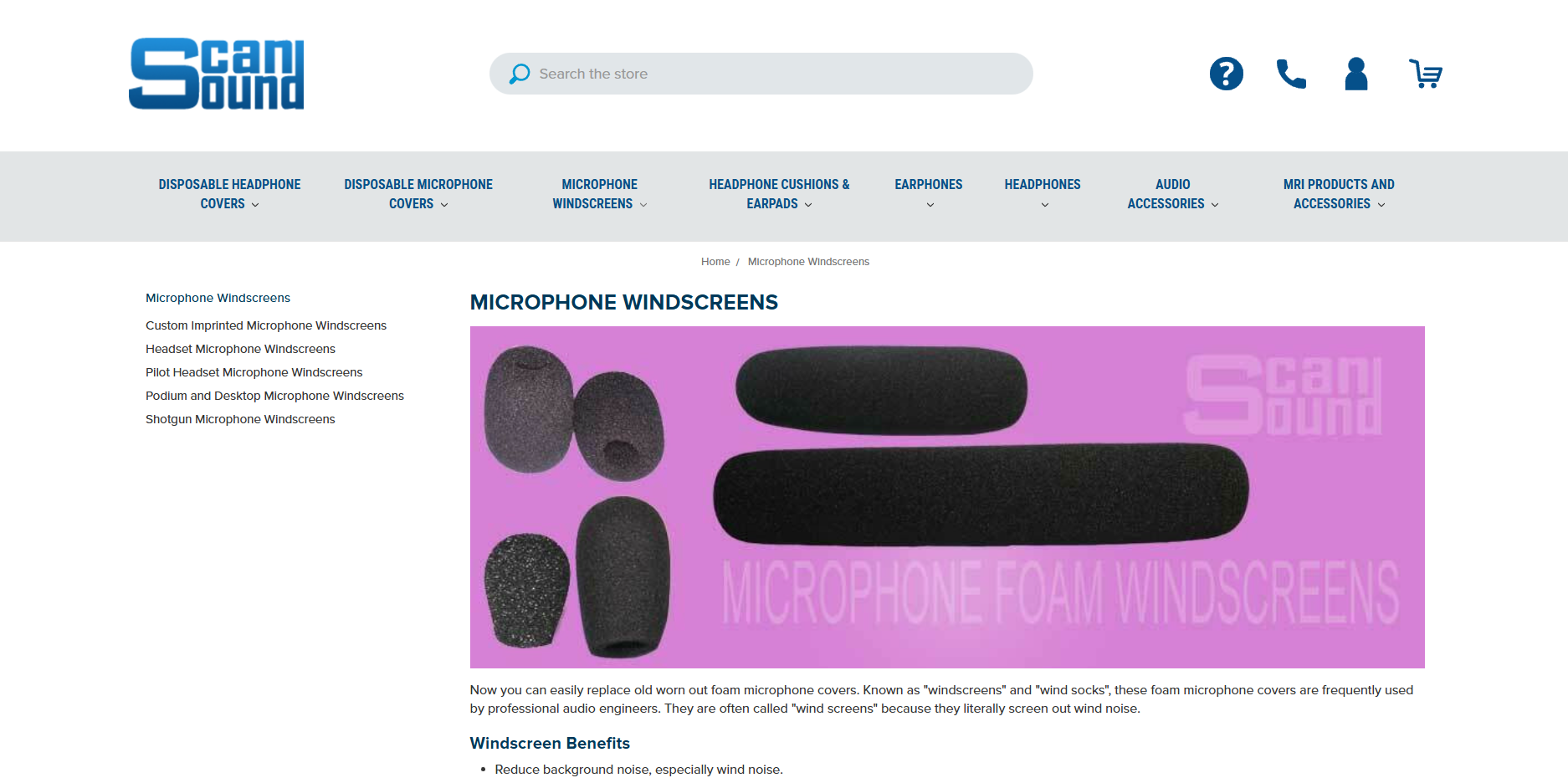
At Scan Sound, we understand that clear, professional sound is essential. Whether you're recording indoors, outdoors, or in a noisy environment, we have a solution to enhance your audio quality and protect your equipment.
Superior Moisture Protection: Use our headset microphone windscreen to maintain your headset microphones in top condition, preventing damage from moisture, sweat, and humidity.
Improved Sound Quality: Reduces pops, lisps, breath sounds, and wind noise for clear, professional-quality audio in every recording.
Wide Compatibility: Fits popular headset brands like Audio Technica, Shure, Sennheiser, AKG, and more, offering a versatile solution for various setups.
Additional Windscreens for Other Applications: We offer windscreens for pilot headsets (compatible with David Clark and Bose), perfect for use in aviation.
Versatile Windscreens for Every Need: From custom imprinted branding for events to podium, desktop, and shotgun windscreens, we offer solutions for clearer audio in any setting, indoors or out.
Looking for more info on selecting the right mic windscreen? Visit Scan Sound’s Microphone windscreen guide for everything you need to make the perfect choice.
Conclusion
In this guide, we’ve covered everything you need to know about headset microphone foam covers and how they can improve your audio recordings. From protecting your equipment against moisture and dust to reducing unwanted noise like pops and breath sounds, the right foam cover makes a significant difference in the clarity and longevity of your gear.
At Scan Sound, we offer high-quality headset microphone windscreens designed to enhance sound performance and protect your microphones in any environment. Compatible with popular brands such as Audio-Technica, Shure, and Sennheiser, our foam covers deliver long-lasting, superior sound quality for professionals across various industries.
Upgrade your headset microphone today with Scan Sound’s premium headset microphone foam covers and experience clearer, more reliable audio.
FAQs
1. What is the foam cover on a microphone called?
The foam cover on a microphone is commonly referred to as a windscreen or foam mic cover, designed to reduce wind noise and plosives.
2. Do microphone foam covers work?
Yes, foam covers are effective in reducing wind noise, plosives (popping sounds from "p" and "b"), and breath noises, improving audio clarity during recording.
3. What does the foam piece on a headset do?
The foam piece on a headset helps to reduce ambient noise, protect the mic from moisture, and prevent wind noise, ensuring clearer communication.
4. What is the purpose of the fluffy mic cover?
A fluffy mic cover, often called a windjammer, is used to reduce wind noise in outdoor environments, providing clearer audio by minimizing the impact of air currents.
5. How do I choose the right size foam cover for my microphone?
To select the correct size, measure the circumference of your microphone and choose a foam cover with an inside diameter that fits snugly but allows some stretch for a secure fit.