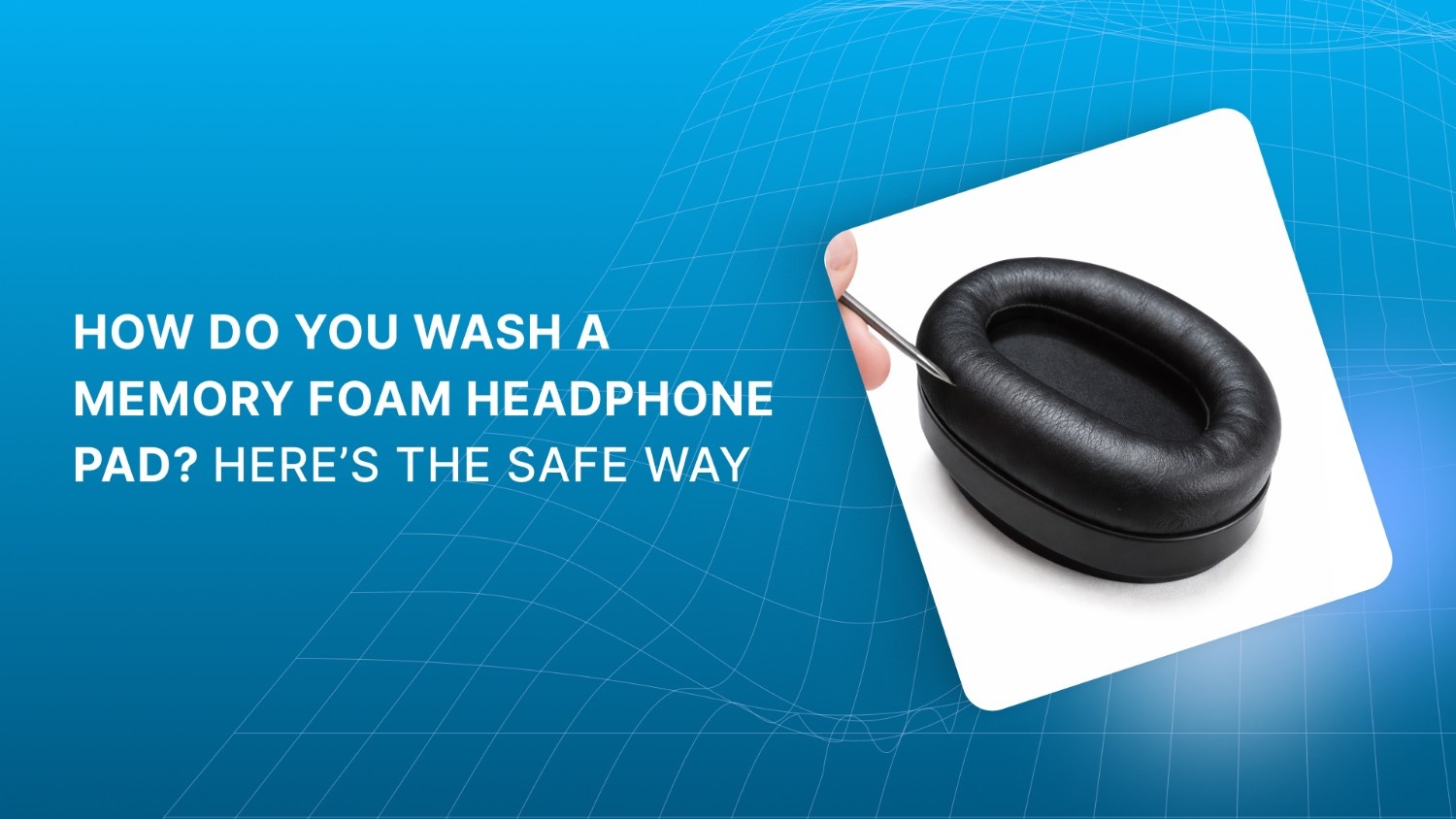
Memory foam headphone pads feel soft, but they damage easily. Water, heat, and pressure can ruin them fast. Many people clean them once and regret it later. Odors stay. Pads lose shape. Comfort disappears.
How do you wash a memory foam headphone pad without ruining it? The safe answer is simple. You clean the surface only. You use minimal moisture. You let it air dry fully.
Why do so many pads fail after cleaning? Because most methods soak the foam. This guide shows a safe, material-aware way to keep pads clean, hygienic, and long-lasting.
Before You Clean Your Memory Foam Pads
Memory foam fails during cleaning because moisture stays trapped inside, not because dirt is hard to remove. Surface control matters more than effort.
Cleaning pressure is as damaging as water. Firm scrubbing pushes liquid deeper and weakens foam recovery over time.
Fixed ear pads raise the risk level. Once moisture moves toward drivers, damage can extend beyond the pad itself.
Drying mistakes cause delayed problems. Pads may feel fine at first, then lose shape or smell days later.
In shared or clinical settings, replacement and protective covers reduce hygiene risk better than frequent cleaning.
Those risks all point to one thing. If you treat memory foam like ordinary padding, damage is almost guaranteed. To avoid that, you need to understand how the material actually behaves when you clean it.
How Do You Wash a Memory Foam Headphone Pad Without Damaging It?
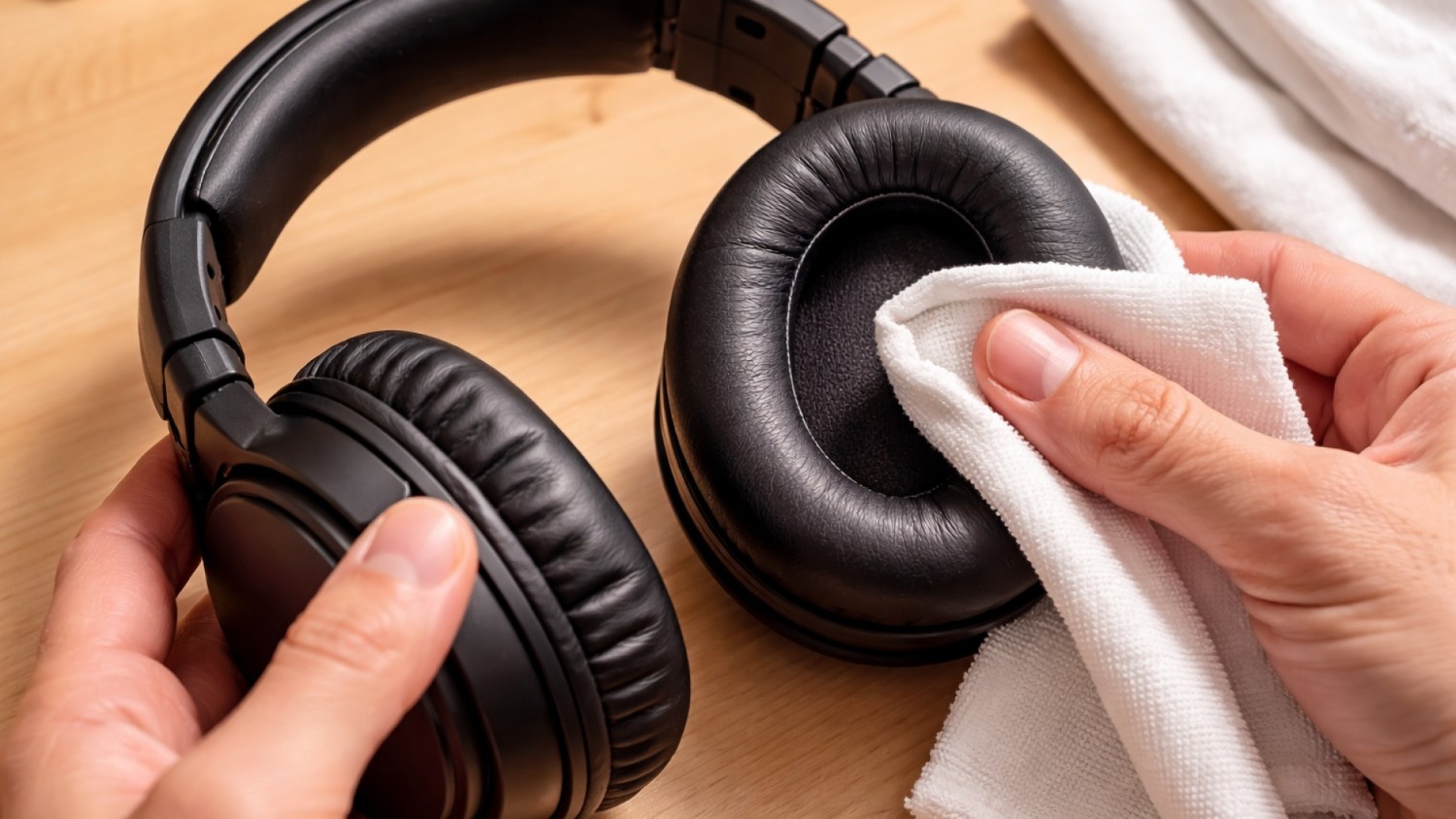
Memory foam headphone pads are not like regular foam padding. It is designed to compress, absorb, and slowly recover. That same structure makes it sensitive to water, heat, and force. When liquid gets inside, it stays there longer than you expect.
The main risk is moisture retention. Memory foam absorbs water deep into its cells and releases it slowly. If you rush cleaning or drying, the foam weakens, odors form, and rebound suffers. Safe cleaning focuses on the surface and limits moisture at every step.
Key risks you need to control
Water soaking into the foam core.
Slow drying that traps moisture inside.
Pressure that forces liquid deeper into the pad.
Why Memory Foam Needs a Different Cleaning Approach
Memory foam reacts to cleaning stress faster than standard padding. Its structure changes when exposed to moisture, heat, or force.
What makes memory foam fragile
Absorbs moisture deeply and unevenly.
Breaks down with heat or firm pressure.
Loses rebound when over-saturated.
When You Should Clean vs Replace Memory Foam Pads
Cleaning has limits. Knowing when to replace pads prevents comfort loss and hygiene issues.
Replace pads when:
Odor remains after full air drying.
Foam stays compressed and does not rebound.
Surface coating cracks, flakes, or peels.
Replacement protects comfort and hygiene. It avoids repeated cleaning that shortens pad life. Once you know what actually harms memory foam, the fix becomes clear. Safe cleaning is not about effort or products, but about restraint and control.
Give your memory foam a washable shield. Scan Sound reusable fabric headphone covers reduce sweat contact and keep pads fresher between cleanings.
How Do You Wash a Memory Foam Headphone Pad Safely at Home?
Safe cleaning means low moisture and gentle contact. You are removing surface buildup, not washing the foam itself. Any method that involves soaking or rinsing is unsafe for memory foam.
You should always assume moisture will travel inward. Your goal is to keep water on the outer layer only and give it time to evaporate fully. This approach protects pad shape, comfort, and lifespan.
What safe cleaning always includes
Minimal water exposure.
Light hand pressure only.
Long air-drying time at room temperature.
Safe Cleaning Steps for Removable Memory Foam Headphone Pads
Follow these steps in order. Each step limits damage while improving hygiene.
Remove the pads to protect internal electronics.
Mix lukewarm water with a small amount of mild soap.
For fabric covers, dab gently with a soft microfiber cloth or a soft toothbrush using very light pressure.
For coated or leatherette covers, wipe with a damp cloth that has been wrung nearly dry.
Let pads air dry completely before reinstalling. Never speed up drying.
That method works when pads come off easily. When they do not, the margin for error shrinks and every drop matters.
Also Read: Which Earpads or Cushions Will Fit on Headsets
How Do You Wash a Memory Foam Headphone Pad If It Cannot Be Removed?
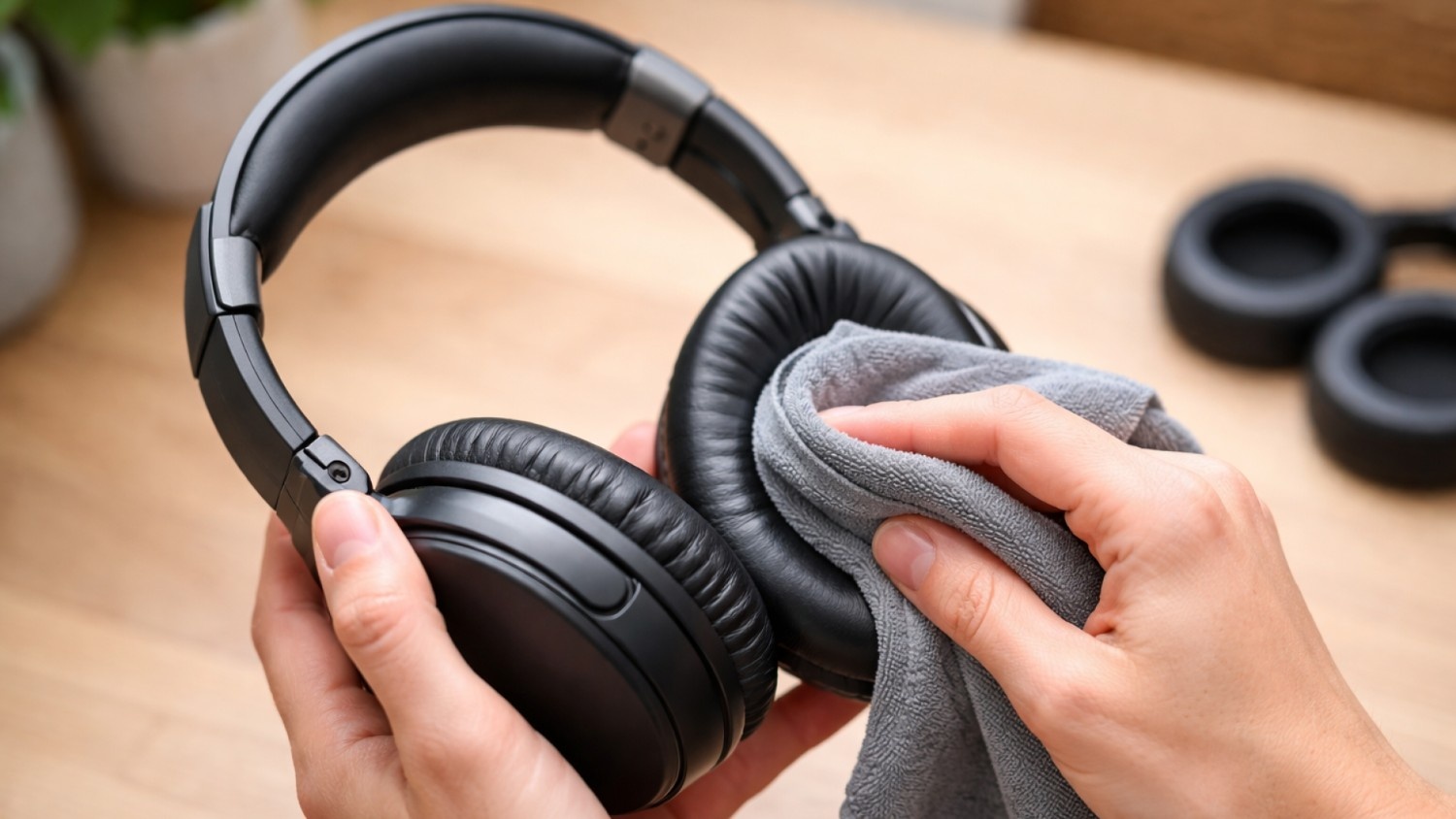
Cleaning fixed memory foam pads carries higher risk. The foam sits directly above drivers and internal wiring, so excess moisture can cause permanent damage. You must clean only the surface and control where liquid goes at all times.
Surface-only cleaning keeps moisture away from the earcup interior. Your focus is removing skin contact buildup while keeping the foam core as dry as possible.
What changes when pads cannot be removed:
Moisture can flow toward drivers if uncontrolled.
Pressure pushes liquid deeper into the foam.
Drying takes longer because airflow is limited.
Safe Method for Cleaning Non-Removable Memory Foam Pads
Use a controlled, step-by-step approach. Move slowly and stop if moisture begins to pool.
Safe cleaning method
Use a lightly damp microfiber cloth or pre-moistened wipe, never dripping wet.
Hold the headset so liquid flows away from the driver opening.
Clean one side fully before rotating the headset.
Allow full air drying before use or storage.
Never let liquid collect near the driver grille or seam. Once cleaning is done, the real test begins. What you do next determines whether moisture leaves the foam or stays behind to cause problems later.
Let your memory foam take a break. Scan Sound disposable headphone covers keep pads clean between users. Protect your headphone’s memory foam in busy, shared environments.
Drying Memory Foam Headphone Pads the Right Way
Drying affects pad life as much as cleaning does. Moisture trapped inside memory foam breaks down structure over time and causes lingering odors. Damage often appears days later, not immediately.
Proper drying removes moisture without stressing the foam.
Drying rules you must follow:
Air-dry only at room temperature.
Allow several hours, sometimes overnight.
Confirm pads feel dry inside before reinstalling.
Never wear or store headphones while pads are damp. Even with careful drying, a few common habits can undo everything in minutes. These mistakes often feel convenient, but they cause the fastest damage.
Also Read: Benefits of Disposable Headphone & Headset Covers
Common Mistakes That Ruin Memory Foam Headphone Pads
Most pad failures come from cleaning habits that seem harmless at first. These actions weaken foam structure and shorten usable life.
Avoid these mistakes completely:
Soaking or rinsing pads under running water.
Using alcohol, disinfectant sprays, or sanitizers.
Drying with heat, sunlight, or hair dryers.
Twisting, wringing, or compressing wet pads.
Each of these forces moisture deeper or damages the foam permanently. Avoiding those mistakes protects pads, but it does not solve every hygiene challenge. In shared or regulated spaces, design and usage patterns matter just as much as cleaning technique.
Where Scan Sound Fits Into Safe Headphone Care

Good cleaning habits protect pads, but design also matters. Some environments demand higher hygiene control and predictable replacement cycles. Scan Sound focuses on these realities rather than shortcuts, especially where headphones are shared.
How Scan Sound supports safer headphone care
Replacement ear pads and cushions in foam and leatherette sizes, allowing worn pads to be swapped instead of repeatedly cleaned.
Disposable sanitary headphone covers available in small, medium, large, and extra-large sizes, creating a clean barrier between users and pads.
Reusable fabric covers for environments with frequent turnover that need washable, low-waste protection.
TeleMask phone covers for shared communication devices where face contact is unavoidable.
Acrylic dispensers that keep covers accessible, organized, and hygienic at the point of use.
These solutions lower cleaning frequency, protect pad structure, and help maintain hygiene without stressing memory foam.
Conclusion
So, how do you wash a memory foam headphone pad safely? You clean the surface only. You use minimal moisture. You let it air dry fully every time. Gentle care protects comfort, hygiene, and pad life.
When cleaning is no longer enough, Scan Sound offers replacement pads, sanitary covers, and hygiene-focused accessories designed for shared and professional use. If you need help choosing the right solution, contact Scan Sound to get guidance tailored to your environment.
FAQs
Q: Can frequent skin contact change how memory foam headphone pads respond to cleaning?
A: Yes. Oils and sweat alter surface tension over time, making pads absorb moisture unevenly. This increases the chance of odor retention and slow drying.
Q: Does storage environment affect pad hygiene even if you clean them correctly?
A: It does. Storing headphones in sealed cases while pads are warm traps humidity. This encourages odor and material breakdown between uses.
Q: Are memory foam pads affected by climate or seasonal humidity?
A: High humidity slows evaporation inside the foam. In humid regions, pads need longer drying times to prevent internal moisture buildup.
Q: Can wearing headphones immediately after workouts shorten pad lifespan?
A: Yes. Heat and sweat accelerate oil absorption into the foam. Waiting until skin cools reduces long-term compression and odor issues.
Q: Do shared-use headphones need a different hygiene strategy than personal ones?
A: They do. Shared environments benefit from protective covers or scheduled pad replacement to reduce repeated cleaning stress on memory foam.
Q: Is uneven pad wear a sign of cleaning damage or normal use?
A: Uneven wear often signals moisture exposure or pressure imbalance. Consistent shape loss usually means the foam structure has weakened.